
How to Fix the Trailing Slash Issue in Nuxt Content
A weird routing issue with Nuxt Content URLs — and a practical fix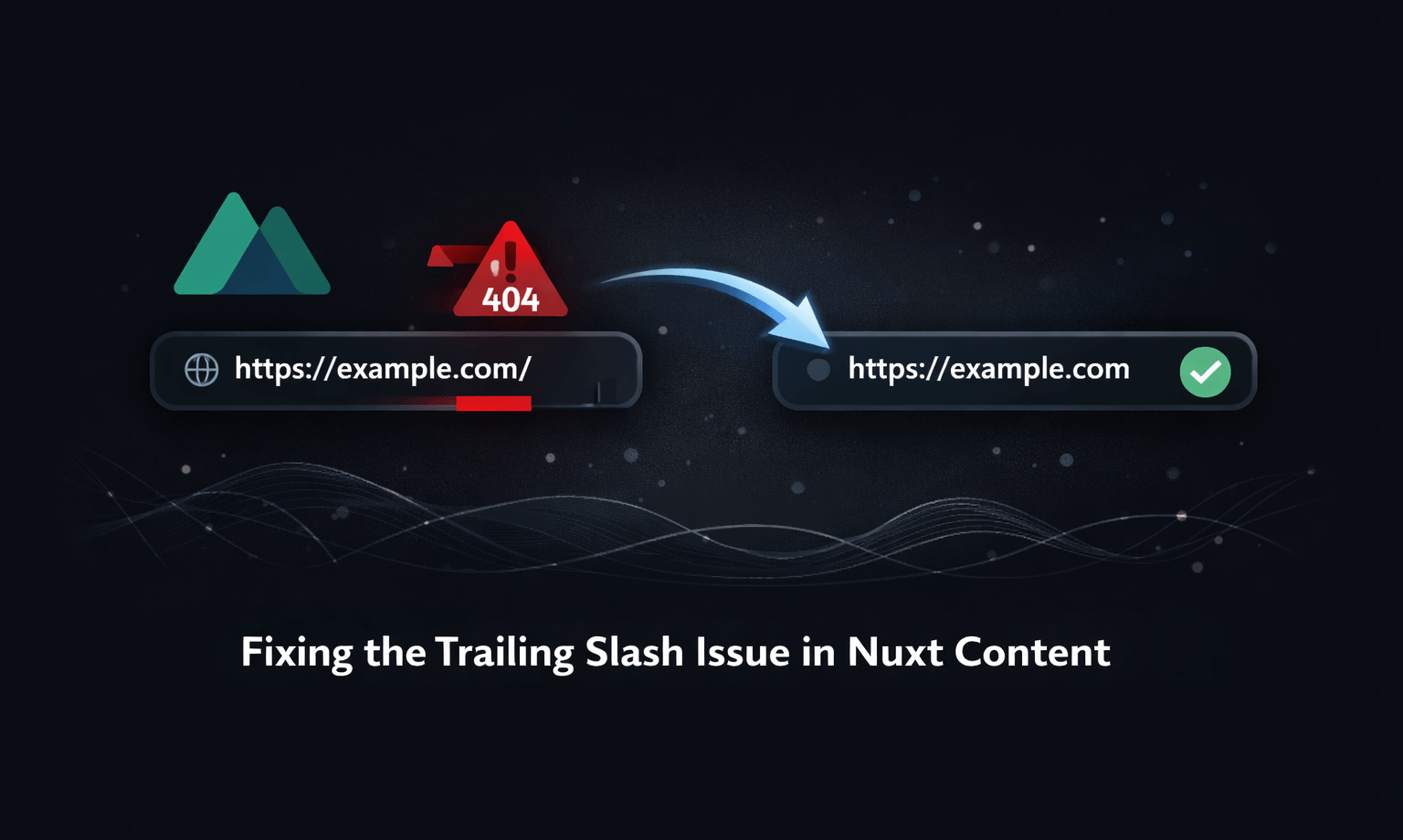
The problem
I really enjoy using Nuxt Content. It’s simple, intuitive, and easy to manage — everything has a clear place and structure.
However, I ran into a strange issue that I can’t quite tell is a bug or just an unfortunate edge case.
Nuxt is responsible for handling routes, and each Nuxt Content file is automatically mapped to a route when everything is set up correctly. The problem appears when a trailing slash (/) is added to the URL.
When that happens, things start to break:
- Sometimes a 404 page is shown
- Other times the page renders, but data fetching silently fails and nothing shows up
This isn’t specific to my setup. I checked https://www.hrcd.fr (a site I’ve taken a lot of inspiration from), and it exhibits the same behavior. Unfortunately, I couldn’t find many other real-world examples to test against, so this investigation is a bit limited.
What is clear is that this issue doesn’t seem to be deployment-specific. I was able to reproduce it:
- When generating the site locally
- When deploying to Cloudflare Pages
- When deploying to Vercel
(The hrcd.fr site is also hosted on Vercel.)
For what it’s worth, the fix described below works reliably on Cloudflare Pages. I didn’t bother re-testing it on Vercel and simply deployed my site on Cloudflare.
The fix
The simplest and most reliable solution is to add a global route middleware that normalizes URLs by removing trailing slashes.
If a route ends with /, we permanently redirect it to the same path without the slash. (What's a middleware?)
In your Nuxt project, create a middleware directory inside the app directory (if it doesn’t already exist), then add a file called trailingSlash.global.ts:
export default defineNuxtRouteMiddleware((to) => {
  // ignore root and anything that's just "/"
  if (to.path === "/" || to.path === "") return;

  // if it ends with "/" and isn't just "/"
  if (to.path.endsWith("/")) {
    const newPath = to.path.slice(0, -1) || "/";
    return navigateTo(
      { path: newPath, query: to.query, hash: to.hash },
      { redirectCode: 301 } // permanent redirect
    );
  }
});
This middleware:
- Leaves the root route (
/) untouched - Only redirects paths that end with a trailing slash
- Preserves query parameters and hashes
- Uses a 301 (Permanent Redirect), which tells browsers and search engines that the canonical URL no longer includes the trailing slash
Final words
This isn’t the most elegant solution, and ideally Nuxt Content (or Nuxt’s routing layer) would handle this more gracefully out of the box. Still, until that happens, a small global middleware like this is an effective and low-maintenance workaround.
If your Nuxt Content pages randomly break, fail to fetch data, or show 404s depending on whether a trailing slash is present, normalizing routes early is a good defensive move — especially for statically generated sites where consistency matters.
Hopefully this saves someone else a few hours of confusion.
